
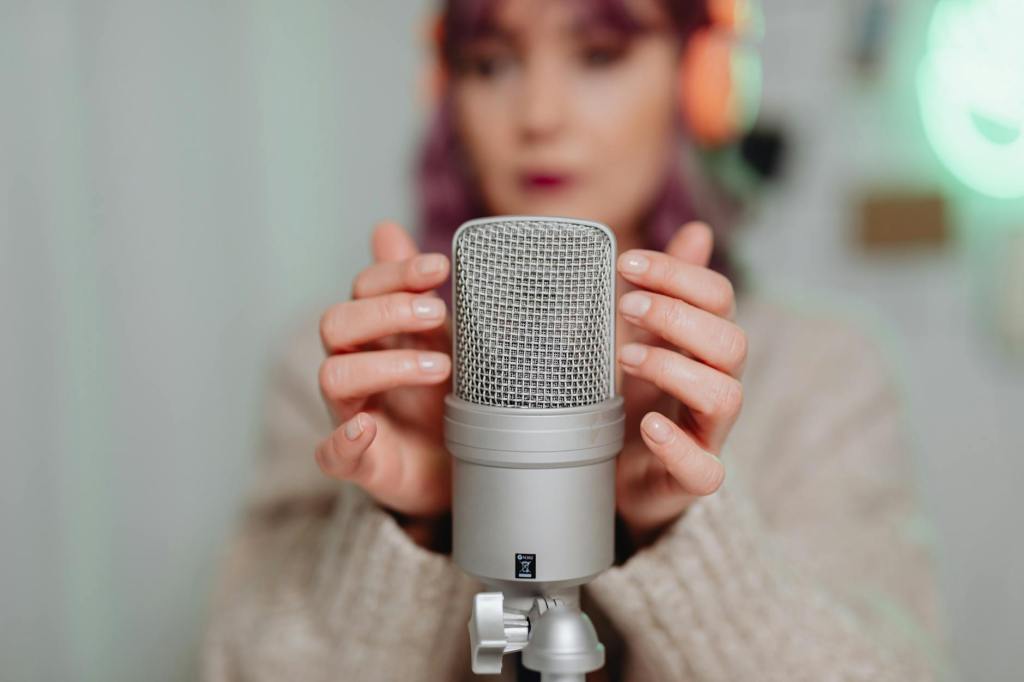
There is something that changes when you first start speaking your writing instead of typing it. Your thoughts come out faster. Your sentences feel more natural. And that blank page stops being so intimidating.
Voice typing, also called speech to text or voice dictation, lets you do exactly that. You speak; the software writes. And for many people who try it, going back to typing feels almost strange.

What Is Voice Typing, Exactly?
Voice typing is the process of converting your spoken words into written text in real time. You speak into your microphone and a piece of software transcribes everything you say directly onto the screen.
You may have heard it called speech to text, voice dictation, or voice recognition. These all refer to the same core idea: your voice becomes your keyboard. Modern tools are highly accurate, even for long sessions, and they work across most languages.
Why Voice Typing Makes You Write Better
Here is something that surprises most people when they first try voice dictation. They expected to produce more words per minute. What they did not expect was to produce better words per minute.
When you type, your writing speed is limited by your fingers. If you think faster than you type, you end up forgetting ideas, cutting corners, and simplifying your sentences more than you should. Voice typing removes that bottleneck. You can say exactly what you are thinking at the speed you are thinking it.
The result is often more natural, more expressive writing. Less formal. More real. And that usually means more readable.
The Practical Benefits of Speaking Instead of Typing
Speed is the obvious benefit. Most people speak at around 150 words per minute. The average typing speed is closer to 40 words per minute. That gap is huge, especially when you have a lot to write.
But speed is not the only reason to make the switch:
- Less physical strain. Typing for hours puts pressure on your wrists, fingers, and posture. Speaking does not.
- More focus. When you are not thinking about where the keys are, you can focus entirely on what you want to say.
- Better accessibility. For people managing RSI, wrist pain, or repetitive strain, voice typing can be a genuine lifeline for staying productive.
- More flexibility. Some people dictate notes while pacing around the room, thinking out loud. It changes the way you work.
Where Can You Use Voice Typing?
Almost anywhere. A good voice typing tool works across your entire browser. That means Gmail, Google Docs, LinkedIn, Slack, Notion, and any website with a text field.
You do not need a special app or a complicated setup. A Chrome extension for voice typing turns your browser into a dictation station. One install and you are ready to go.
How to Start Using Voice Typing Today
Getting started is much simpler than most people expect. You do not need to memorize commands or go through any long training process. You just need a working microphone and the right tool.
WriteByVoice is a Chrome extension that adds voice typing to every website in your browser. Click the mic button anywhere on the web, start speaking, and your words appear in the text field. It also includes an AI layer that can take a short spoken description and write a full, polished message for you.
If you have been meaning to try voice typing but never quite got started, this is the easiest entry point you will find.
Free plan included. No credit card required. Works in Gmail, Docs, Slack and more.
 blog.writebyvoice.com
Leave a comment